
WatchMeGrow Setup, Privacy Considerations, and Parent Guide
WatchMeGrow Baby Monitor Setup, Privacy Considerations, and Parent Guide
By Sweetgrass School, The Sweetgrass School
Setting up a baby monitor is essential for ensuring your child’s safety, and the WatchMeGrow baby monitor provides unique features to help parents stay connected and informed. This comprehensive guide focuses on the effective setup and the privacy measures that protect your child’s data. By utilizing the WatchMeGrow app and understanding its functionality, parents can confidently manage their child’s monitoring needs. Furthermore, as privacy concerns rise in today’s digital landscape, it’s critical to know how WatchMeGrow addresses these issues. This article will navigate how to set up the device, protect your child’s data, and enhance usage for developmental support.
How do you set up your WatchMeGrow baby monitor effectively?
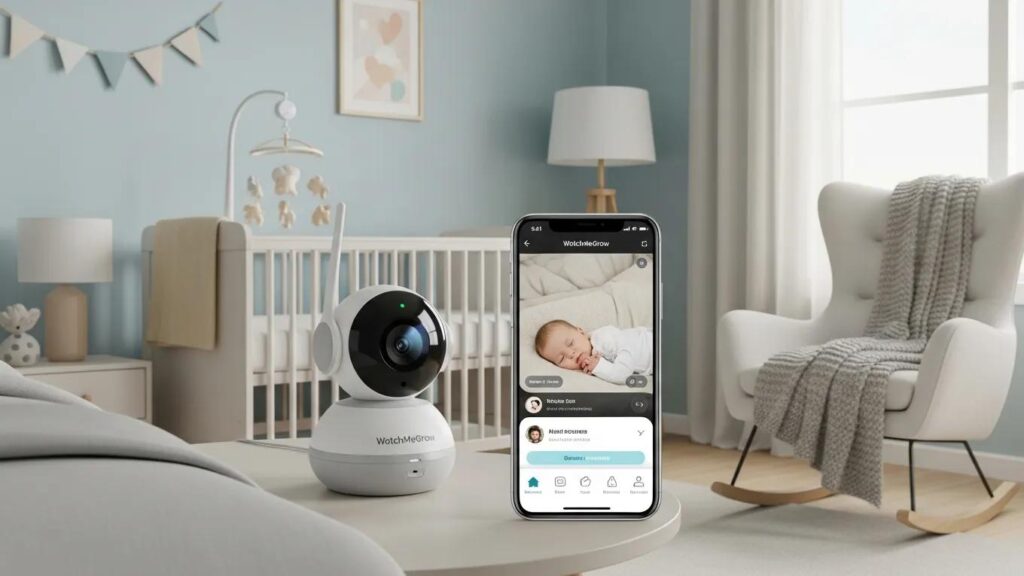
Setting up the WatchMeGrow baby monitor involves several critical steps to ensure optimal functionality and connectivity. First, parents need to complete the initial hardware setup, which includes placing the monitor in the child’s room to gain a clear view. The next step involves downloading the WatchMeGrow mobile app, available on both Android and iOS devices, to connect with the monitor.
Connecting the device to a Wi-Fi network is essential; this allows real-time video streaming and notifications on your mobile device.
How do you configure the WatchMeGrow mobile app for monitoring?
The WatchMeGrow app offers several configurable features to enhance your monitoring experience. After downloading the app, parents can set up user profiles for multiple caregivers, which allows for shared access. Configuration of notifications is straightforward, enabling alerts for noise or movement, which ensures parents are immediately informed of any significant activity. Additionally, understanding the app’s features, such as the sleep metrics and temperature alerts, can greatly enhance its utility for parents.
What privacy measures protect your child's data on WatchMeGrow?
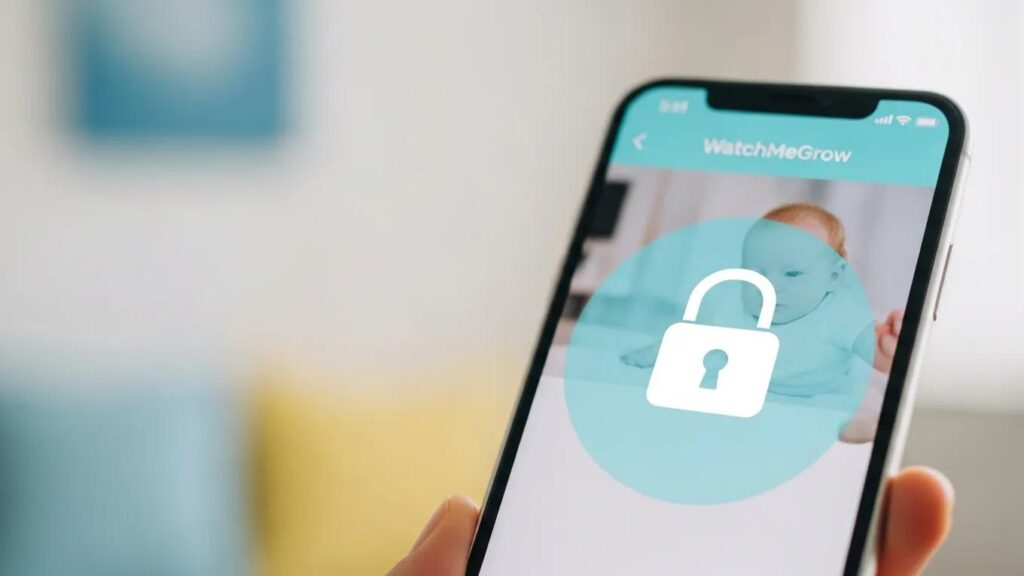
To address privacy concerns, WatchMeGrow implements several measures to safeguard your child’s data. The app employs robust data encryption methods that ensure that video streams cannot be intercepted by unauthorized third parties. This high-level encryption keeps all transmitted data private and secure.
In addition, user control over data is a significant feature; parents can manage their settings to limit what data is collected and stored. Awareness of these features empowers parents to make informed decisions about their monitoring practices.
How does WatchMeGrow use encryption to secure video streams?
WatchMeGrow utilizes advanced encryption techniques designed to protect video data during transmission. By employing SSL (Secure Socket Layer) protocols, real-time video streams are encrypted to prevent unauthorized access. This encryption standard is heavily used across secure websites, making it a trusted method for maintaining privacy.
What parental controls and privacy settings can you manage?
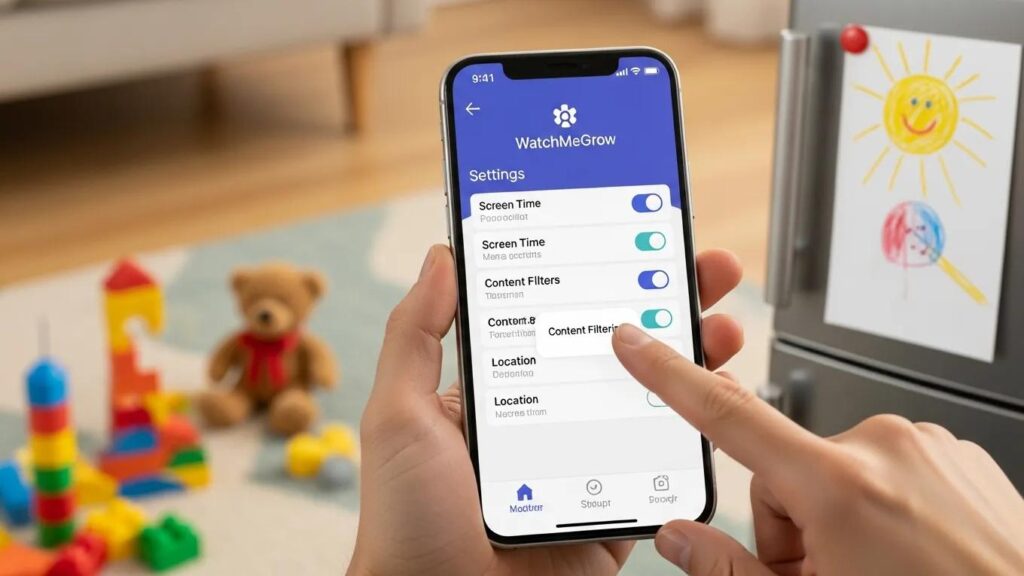
The app includes various parental controls that allow for customized privacy settings. Parents can manage the data sharing preferences within their profiles, ensuring that sensitive information is kept confidential. Best practices for privacy include regularly reviewing these settings and updating passwords to maintain security over time.
How can parents optimize the use of WatchMeGrow for safety and development?
Optimizing the use of WatchMeGrow can significantly benefit child safety and development monitoring. Establishing effective usage patterns is vital; parents should frequently check in through the app while allowing the device to provide developmental insights. Using the built-in analytics, caregivers can understand sleep rhythms and behaviors to better support their child’s growth.
What are recommended usage patterns for effective child monitoring?
Recommended usage patterns include setting specific intervals for checking in, such as every couple of hours, which allows parents to stay engaged without being overly intrusive. Adjusting settings to reflect the child’s growth stages can also enhance effectiveness; for example, more frequent checks during sleep transitions can be beneficial.
How do you troubleshoot common WatchMeGrow issues?
Should parents encounter any issues with the WatchMeGrow, common troubleshooting steps include ensuring that the app is updated and verifying Wi-Fi connectivity. Many users find that rebooting the device also resolves most connectivity problems. Furthermore, consulting the app’s FAQ section provides quick solutions to general queries.
What features does the WatchMeGrow app provide to enhance parental monitoring?
The WatchMeGrow app is rich with features tailored to make parental monitoring seamless and effective. Notable capabilities include remote access to view live feeds, configure camera angles, and receive alerts for specific events, such as sound or movement detection.
Which child monitoring device features improve safety and ease of use?
Safety features of the WatchMeGrow include two-way audio and night vision, which allow parents to communicate with their child and monitor them in low-light conditions. Additionally, customizable notifications alert parents to significant changes, making it easier to respond quickly when necessary.
How does the app support remote access and multiple caregivers?
The app’s remote access features support multiple caregivers efficiently, ensuring that family members can connect with the monitoring system. This co-viewing capability allows several users to stay informed and interact from different locations, offering greater support during the child’s developmental stages.
What are the most frequently asked questions about WatchMeGrow setup and privacy?
Potential caregivers often have numerous questions regarding the safety and privacy of the WatchMeGrow monitor. Addressing these concerns can help alleviate worries and promote better utilization of the technology.
Is WatchMeGrow safe from hacking and unauthorized access?
WatchMeGrow prioritizes user safety through strict data protection measures and secure encryption protocols, significantly lowering the risk of hacking. Continuous monitoring for vulnerabilities is essential, ensuring that the device stays secure.
How to update and maintain WatchMeGrow for optimal privacy?
Routine updates are crucial for maintaining the WatchMeGrow’s security features. Parents should regularly check for app updates and review privacy settings to adapt to new developments in data protection. Best practices include setting strong passwords and enabling notifications for any suspicious activities linked to their account.